
Stake Aviator: Demo, Flight Multiplier and Cash Out
Watch the flight multiplier and manage your wagers in Aviator at Stake . SPRIBE’s Aviator lets you enter before a flight and cash out while the multiplier is rising; the flight can end before your target is reached. Use the two bet panels to set separate amounts or cash-out targets and check the combined wager before the round. The interface includes manual controls and, where enabled, automatic settings for repeat play and cash out. Try available demo play to learn the timing, keep the connection stable on mobile and inspect the accepted cash-out result in the round history. Aviator and Stake Originals Crash are separate games with their own rules.
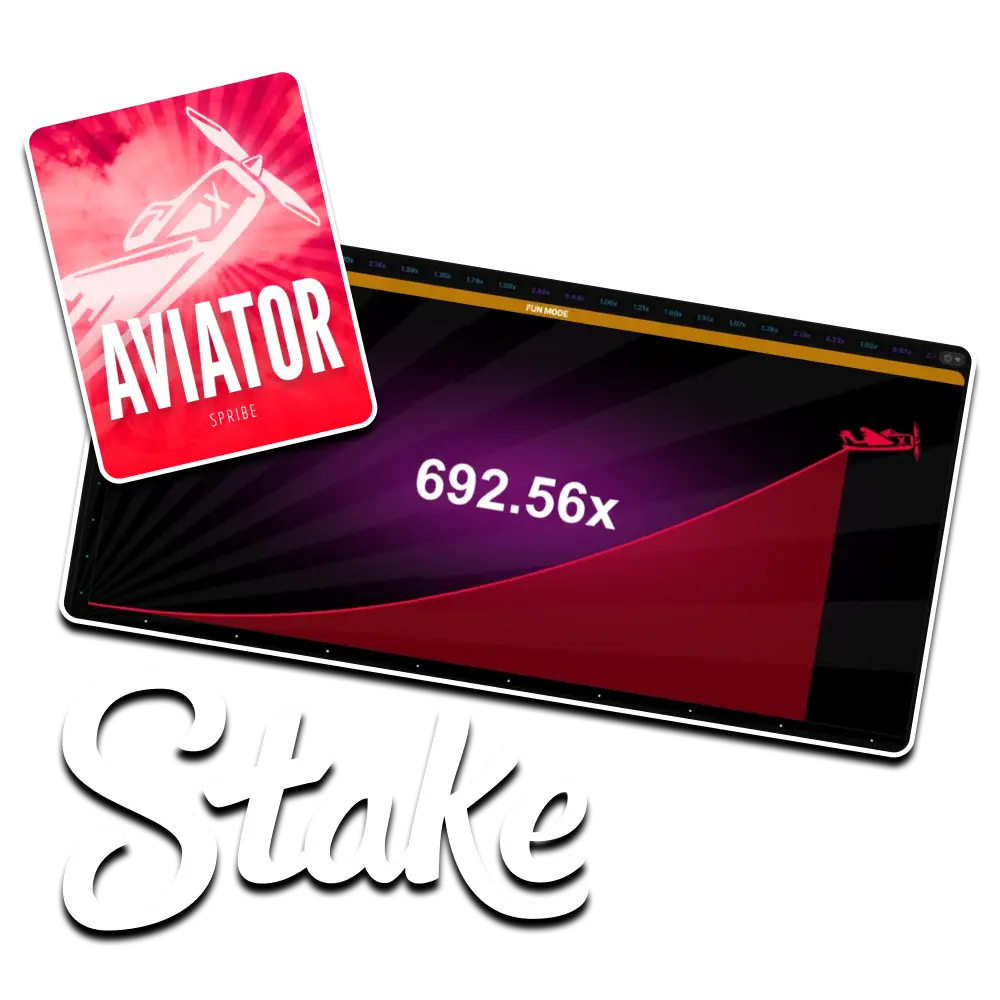
Aviator rules and specifications
Check the game title and SPRIBE provider label before relying on these details. Aviator and other crash games can differ in controls, limits and mathematical return. The live rules panel is the place to confirm your operator's actual bet range and maximum payout.
| Specification | Information |
|---|---|
| Title | Aviator |
| Game version | SPRIBE Aviator |
| Developer | SPRIBE |
| Format | Multiplayer crash game |
| Theoretical RTP | 97% theoretical RTP |
| Risk profile | Version dependent |
| Practice mode | Check game access |
| Lowest wager | Shown in the game |
| Payout limit | Check live rules and operator cap |
| Promotion eligibility | Check current terms |
| Guide languages | English and Hindi |
Aviator controls and features
The main display tracks the flight multiplier, while the betting controls determine the amounts you expose to it. Learn the difference between a queued bet, an active wager and an accepted cash out. A growing number on screen is not a settled prize until the game accepts the cash-out request.

Flight display and bet timing
Place a wager during the betting window before the flight begins. The plane animation then follows a multiplier until the round ends. You cannot steer the plane or extend the flight. Watching other players cash out does not reveal when your own active wager will become a loss.
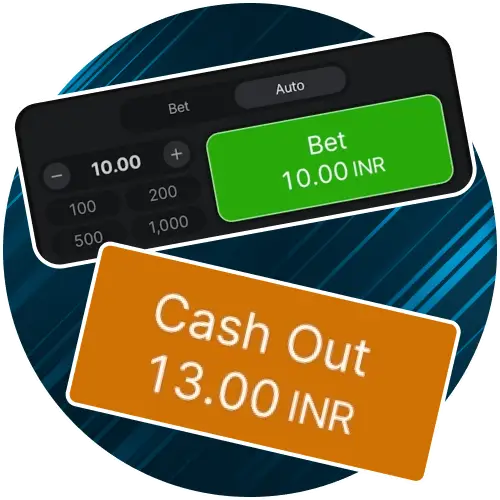
When cash out settles
An accepted cash out returns the stake multiplied by the settlement value. If the flight ends first, an unsettled wager loses. Auto cash out, where offered, can set a target in advance, but a flight ending below that target still loses. Manual taps also depend on the request reaching the game in time.

Multipliers and loss exposure
A higher cash-out target offers a larger possible return and requires the flight to survive longer. For an arithmetic example, a 10-unit bet settled at 2x returns 20 units, including the original stake. If the flight ends before settlement, the same 10-unit wager is lost.

Round results and history
After a flight, check the recorded multiplier, stake and payout. History is useful for tracking net session costs, not forecasting the next crash point. A connection delay can make the displayed animation misleading, so confirm the settled result rather than repeatedly pressing buttons or placing a replacement wager.
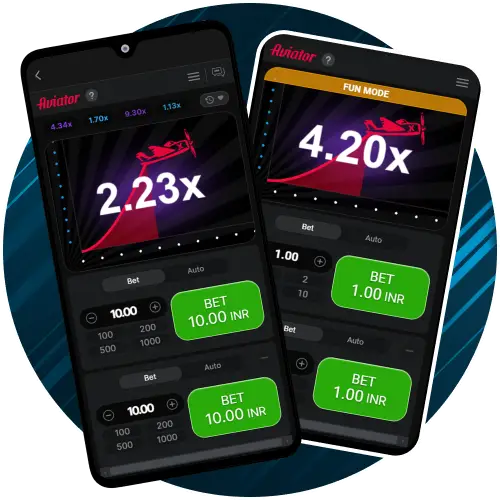
Phone and tablet controls
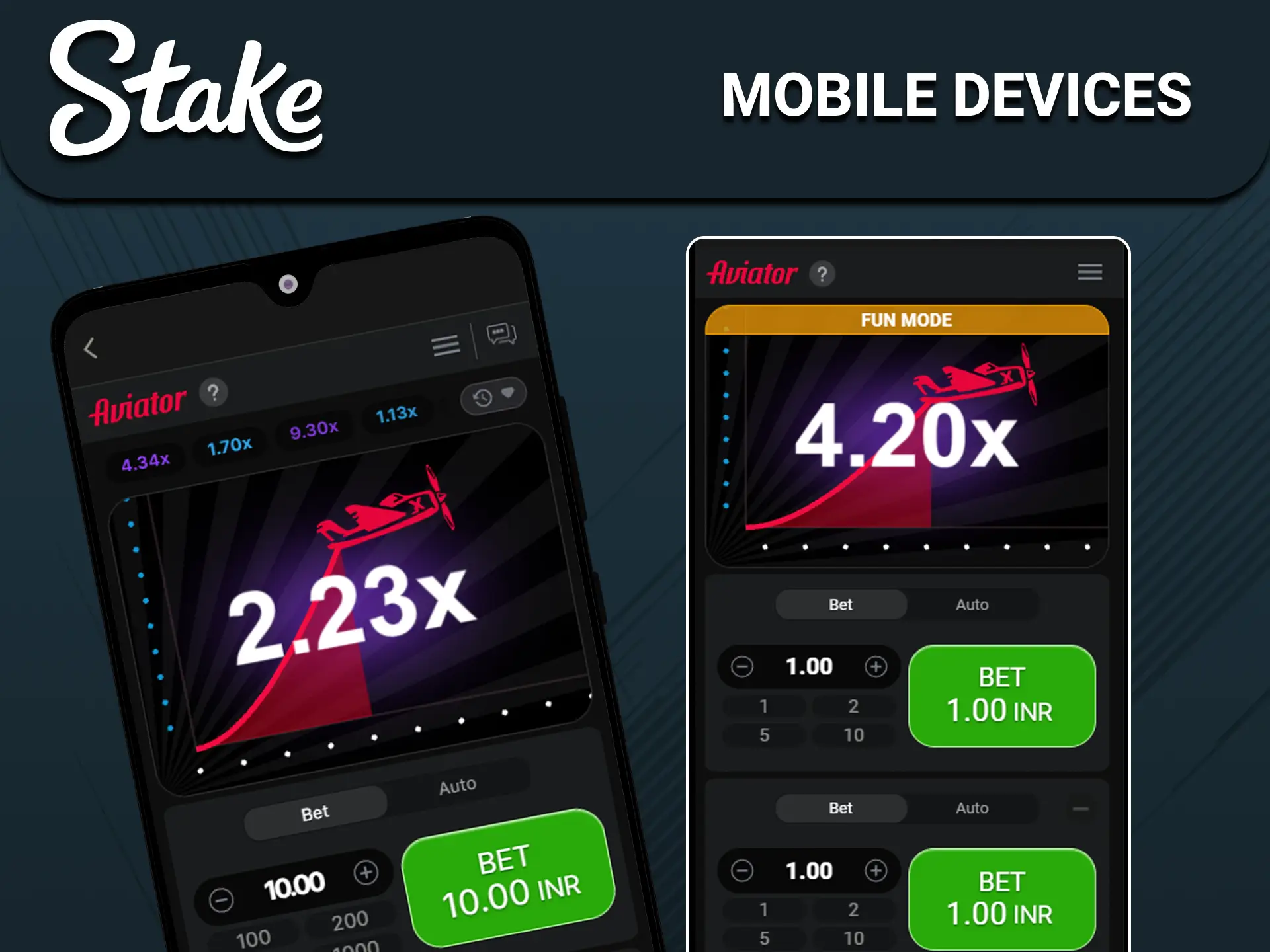
A compatible mobile browser can show the flight and betting panels on a smaller screen. Before starting, check that both wager controls and cash-out buttons are visible and responsive. Avoid changing apps during an active flight, and do not install unofficial Aviator APKs claiming guaranteed signals or faster wins.
How to use Aviator on Stake
Read access restrictions and identify the SPRIBE game first. If a virtual-credit mode is available, use it to understand the wager window and settlement controls before considering real-money play.
Open Your Stake Account
Check operator restrictions, age requirements and verification.
Inspect funding details

Confirm supported currency, limits, fees and your budget.
Identify SPRIBE Aviator
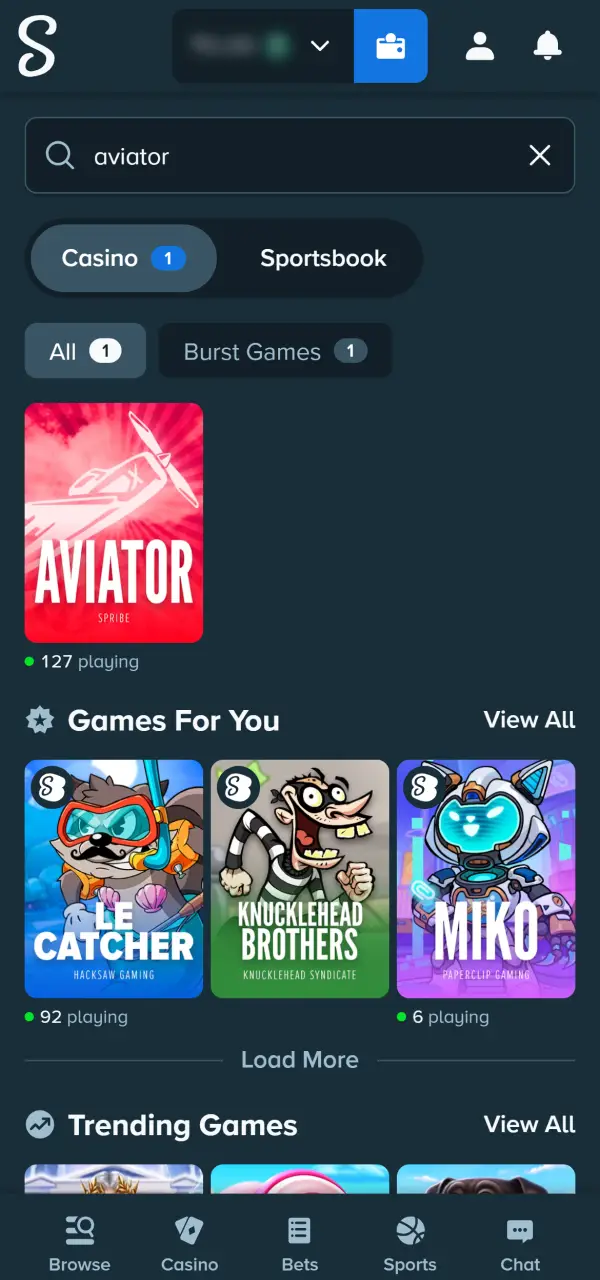
Find the title in the lobby and read its provider label.
Choose the wager amount
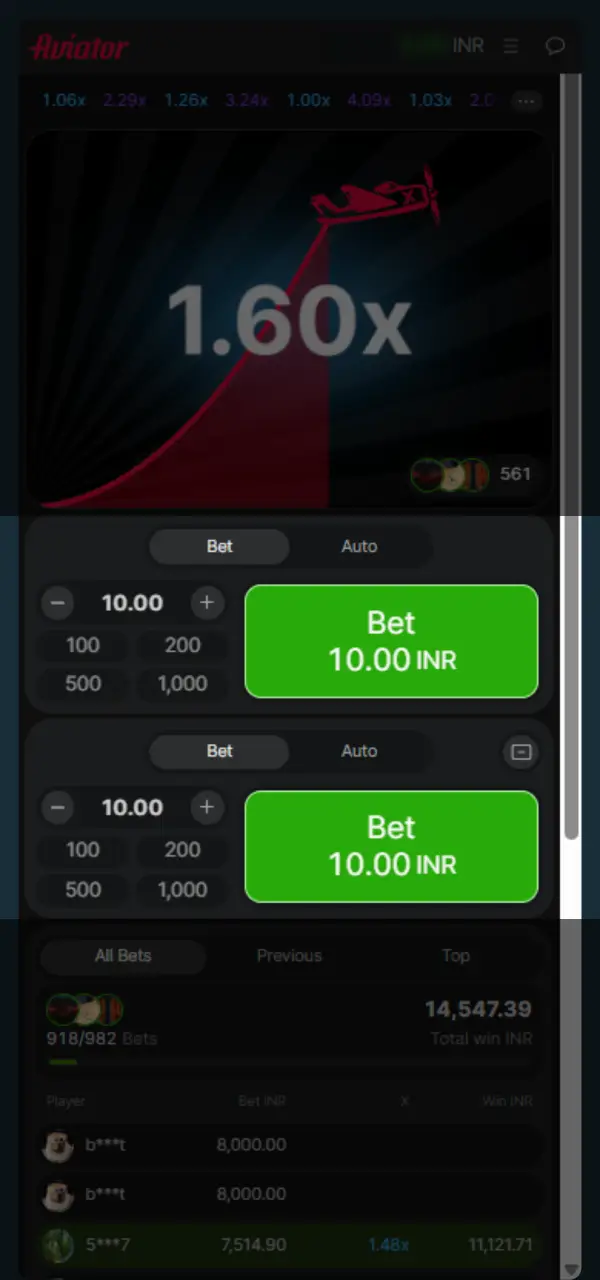
Use the live bet range and account for both panels if used.
Wait for the betting window
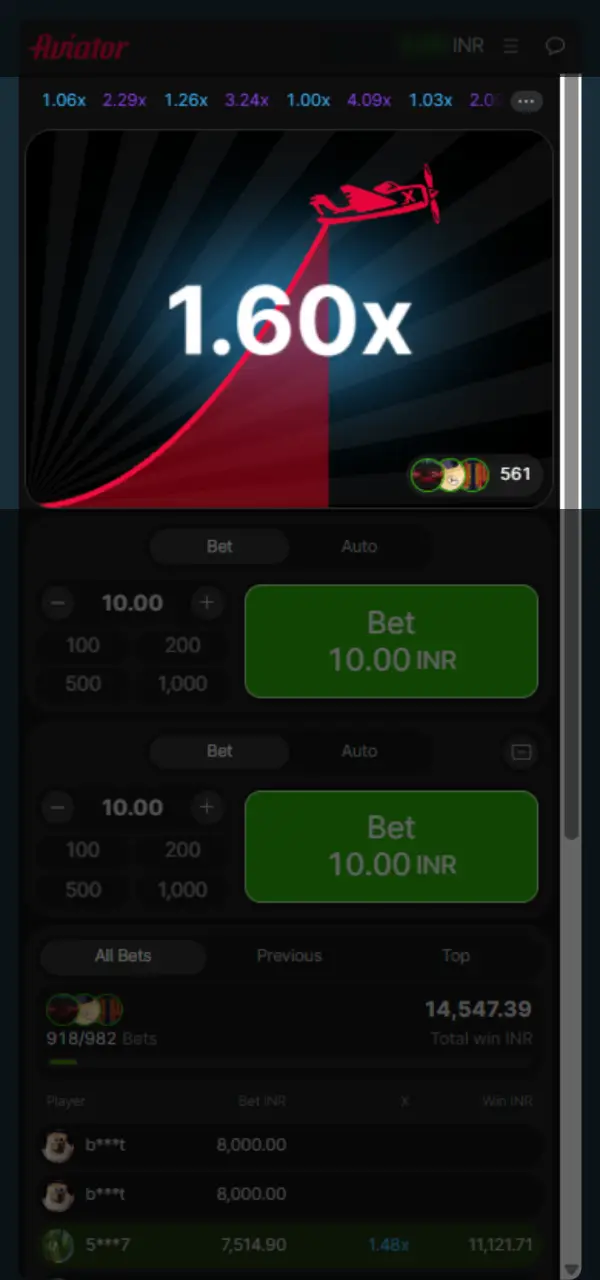
Confirm your accepted wager before the next flight starts.
Check accepted cash out
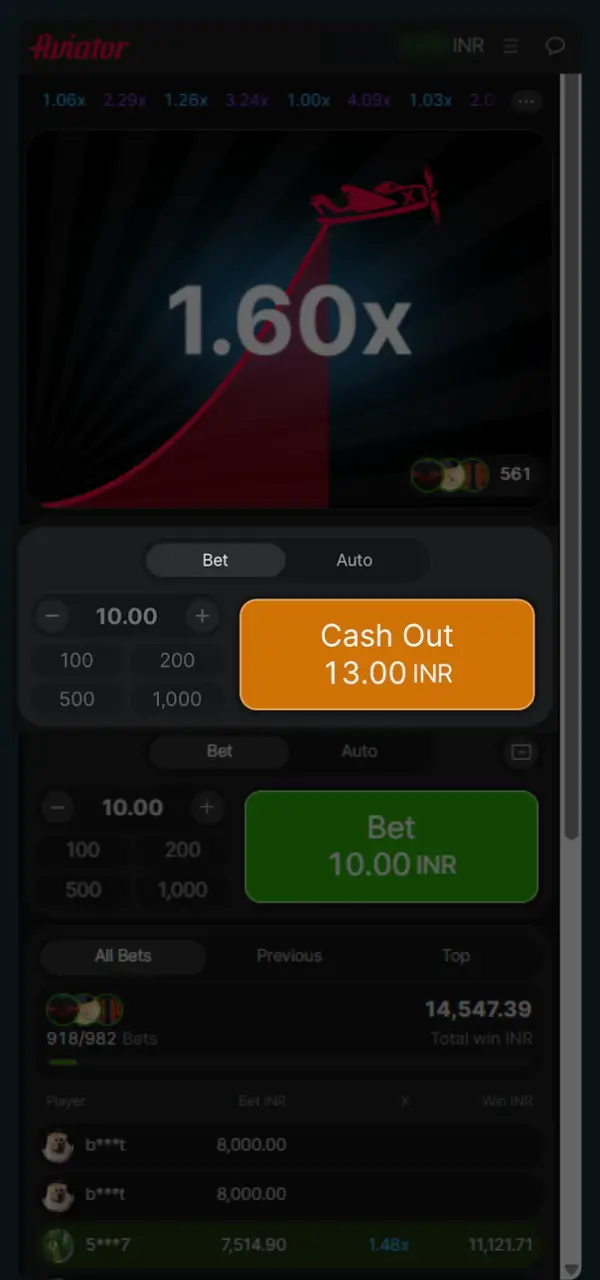
Settle before flight end and confirm the recorded payout.
Aviator strategy and budget limits
Aviator strategy can organise stake sizes and cash-out preferences, but it cannot predict the next flight. Set a spending cap and time limit before playing. Count all active bets together; two panels can double the amount at risk even when each individual amount looks small.

Lower cash-out targets
A low target such as 1.20x can settle more flights than a much higher target, but early flight endings still lose. For a simple arithmetic illustration, five 10-unit bets returning 12 units each produce 10 units of profit, which one lost 10-unit bet cancels. Frequent small returns are not guaranteed income.
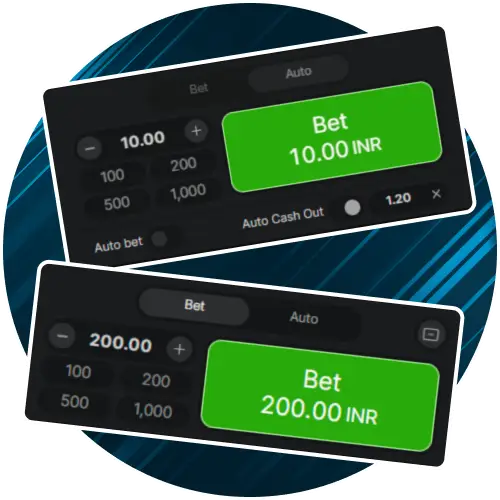
Two panels, one total budget
Two wagers on the same flight share the same ending point. Splitting targets does not create independent outcomes or guarantee that one wager covers both stakes. Calculate the combined amount before confirming either bet and keep it below your session limit.

Higher targets and rare returns
Waiting for a large multiplier can produce repeated complete losses before a successful settlement. Do not raise the stake because an earlier flight ended low. Keep a fixed budget and be willing to stop without reaching the advertised high multiplier.

Past flights are not signals
Recent multipliers describe completed rounds; they do not reveal the next crash point. Predictor apps, signal groups and supposedly secret timing tricks cannot reliably supply that information. Do not share login credentials or send money for a guaranteed winning forecast.
Aviator rewards and promotion terms
Check the current promotion terms before expecting any account reward. Aviator may have different contribution rules from Stake Originals, and no first-deposit benefit should be assumed without an eligible offer.
- Rakeback: inspect eligible play, calculation and claim conditions in your account.
- Raffles: review ticket rules and entry dates; a draw entry does not guarantee a prize.
Compare the cost of meeting promotion requirements with the reward itself. Do not extend a session solely to unlock a bonus. An offer does not change the flight's random outcome or remove the chance of losing both active bets.

Aviator demo and practice play
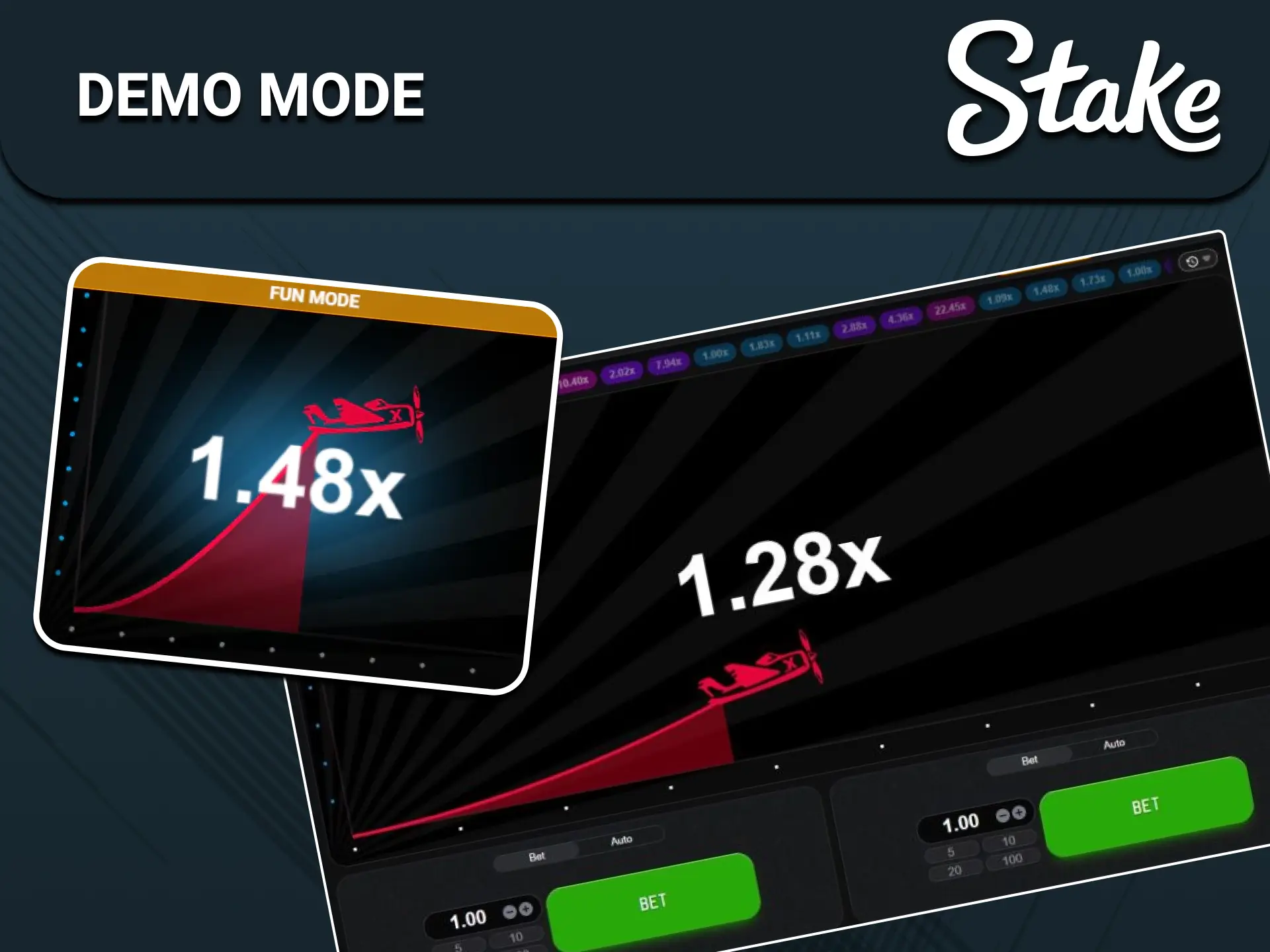
If a clearly labelled demo is provided, practise with virtual credits to learn bet timing and cash out. Verify the balance label and SPRIBE provider name first. Demo access, login requirements and feature availability can differ between operators.
- Confirm that virtual credits are separate from wallet funds.
- Learn when the betting window opens and closes.
- Inspect both panels and any automatic cash-out setting.
- Check the specific demo's account-access requirements.
- Read the settled record after each practice flight.
A favourable Aviator demo session does not forecast the next real-money flight. Use virtual play to understand losing outcomes as well as successful cash outs, not to validate a predictor.
Aviator on Android and iPhone
On a phone, use a supported browser and consult the mobile access instructionsbefore installing anything. The active-flight controls should remain visible without accidental scrolling. A stable connection matters for requests reaching the server; no layout or app can guarantee a last-second cash out. Check the bet history if a display freezes.
Funding an account for Aviator
Inspect the account cashier's available funding methods and withdrawal requirements. The categories below are a verification checklist, not a promise of instant transfers or acceptance of every Indian payment application. Fees, minimums, bank processing and account review can affect a transaction.
| Payment option | Deposit processing | Withdrawal processing | Transaction costs | Account availability |
|---|---|---|---|---|
| UPI | Check checkout estimate | Verification may be required | Check displayed fees | Confirm in cashier |
| Google Pay | Check checkout estimate | Verification may be required | Check displayed fees | Confirm in cashier |
| PhonePe | Check checkout estimate | Verification may be required | Check displayed fees | Confirm in cashier |
| Paytm | Check checkout estimate | Verification may be required | Check displayed fees | Confirm in cashier |
| Visa / Mastercard | Check checkout estimate | Bank processing and verification | Check displayed fees | Confirm in cashier |
| Apple Pay | Check checkout estimate | Verification may be required | Check displayed fees | Confirm in cashier |
| Cryptocurrency | Check checkout estimate | Network processing and verification | Check displayed fees | Confirm in cashier |
Aviator: common questions
Can Indian readers access Aviator on Stake?
Look for Aviator in the casino lobby and open its provider information. Choose the SPRIBE title for the rules described here; Stake Originals Crash has a different interface and game specification. The selected account and game determine which controls are available.
Is an Aviator practice version available?
Look for the provider's or operator's labelled demo option. Where offered, it uses virtual credits. Confirm the version and balance before placing a practice bet, and check any account requirement.
What does Aviator's 97% RTP describe?
SPRIBE lists 97% theoretical RTP for Aviator. It represents a long-run mathematical model, not a promised return for each flight, deposit or player. Your session can lose the full play budget.
Can Aviator run on Android and iPhone?
A supported browser can load the game on compatible devices. Confirm readable controls and a stable connection. Avoid unknown APKs and prediction apps; they are not needed to understand the flight rules.
Do Aviator bets count toward promotions?
Only the offer's terms can confirm eligibility and contribution. Check the game list, wagering rules and claim window in your account. Do not assume a guaranteed welcome reward or fixed weekly amount.
What is the smallest Aviator bet?
Check the live wager field for your operator, currency and game version. A 1 INR minimum is not universal. When using two panels, include both bets in the total session exposure.
Reviewed:
Reader comments