Stake Sports Betting: Cricket, Football and Live Markets

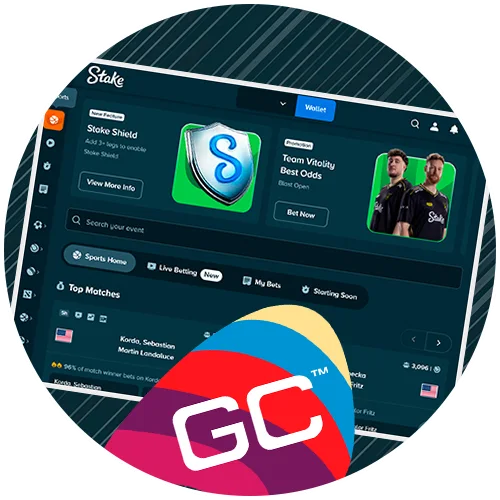
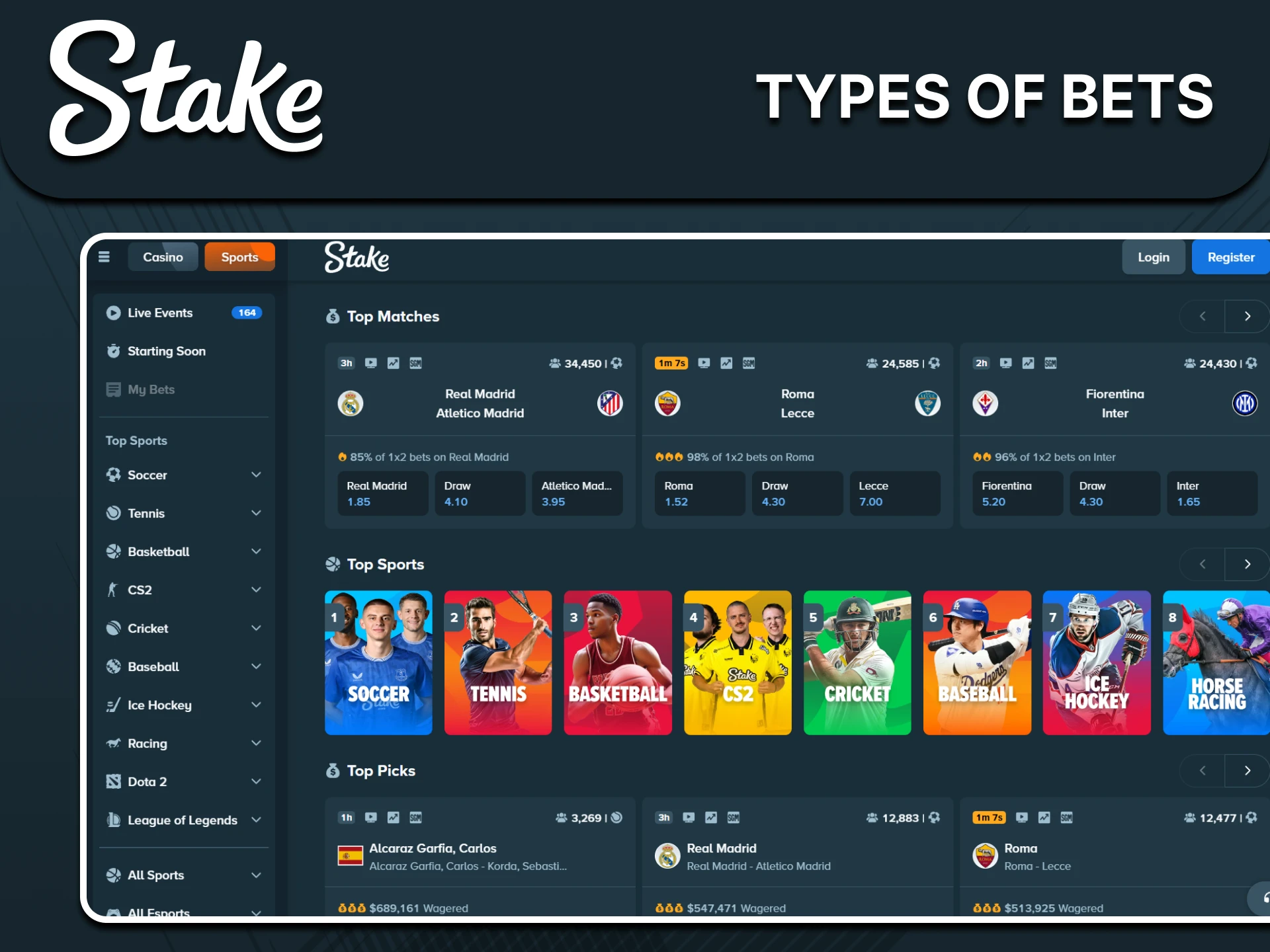
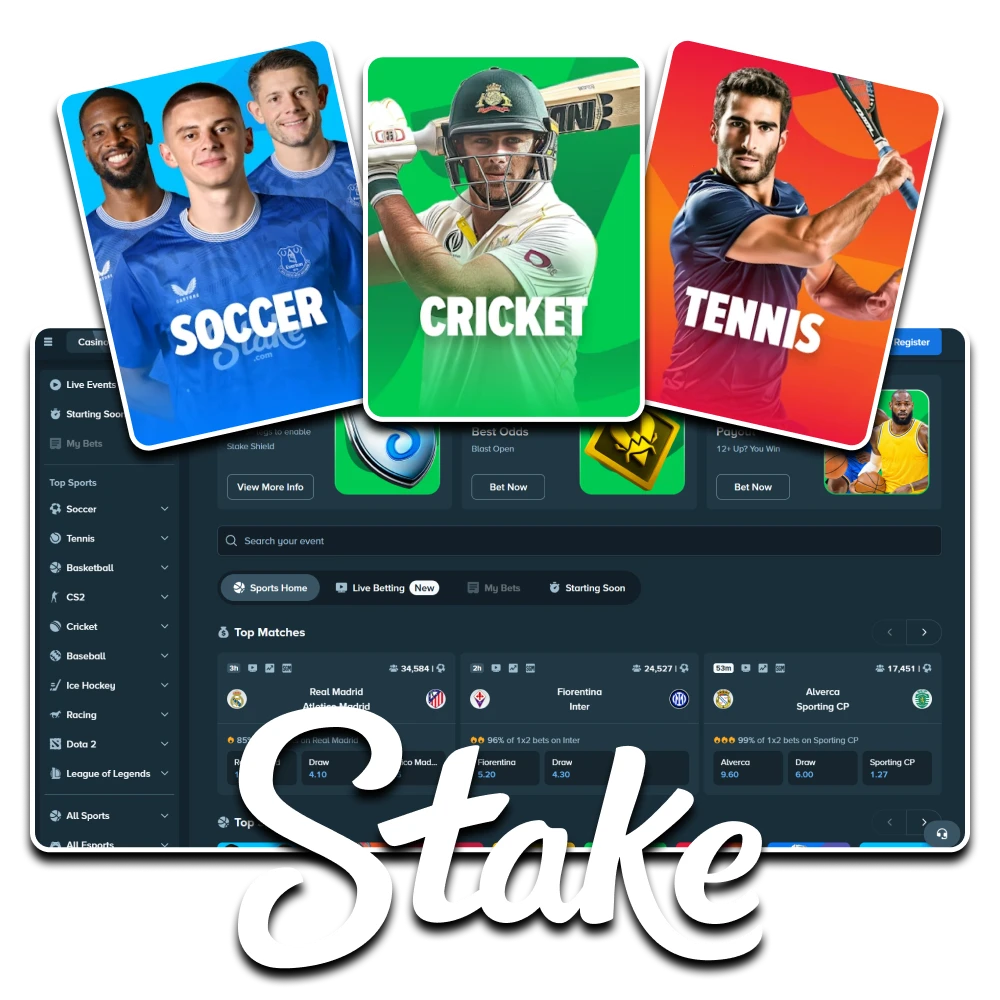
Stake sports betting covers cricket, football, tennis, basketball, racing and esports through dedicated competition categories. Open a fixture to compare match winners, handicaps, totals and available player markets, then add the selection to the bet slip. Prematch and in-play markets offer different ways to follow an event, with prices and acceptance status shown on the ticket. Use the competition and date filters to explore the event examples below; check current fixtures and odds in the active sportsbook before placing a wager. Account menus keep wallet access, mobile controls and available sports rewards close to the event list.

Stake sportsbook category banner
Competition List
Calendar
From
To

Cricket Market Examples

in-play example
Chennai Daily Cricket

Courageous

Millionaires

in-play example
RCA Premier League T20

Tamil Lions Cc

Right Guards Cc

in-play example
Chennai Daily Cricket

Mavericks Chennai

Hawks Chennai

in-play example
Gujrat District Cup T10

Multan Tigers Gujrat

Sialkot Warriors

in-play example
Amateur League T10

Hisar Captains

Eleven Kings

in-play example
T20 International Matches

Pakistan

Sri Lanka

in-play example
T20 International Matches

India

West Indies

Football Market Examples

in-play example
2. Division

Lørenskog

Trygg/Lade

in-play example
2.Bundesliga

Hertha BSC

SPVGG Greuther Furth

in-play example
2.Bundesliga

FC St. Pauli

Karlsruher SC

in-play example
2.Bundesliga

VfL Bochum 1848

DSC Arminia Bielefeld

in-play example
3. Lig Group 1

Yeni Amasyaspor

Silivrispor

in-play example
3. Lig Group 1

Mazidagi Fosfat Spor

Yozgatspor 1959

in-play example
3. Lig Group 1

Tokat Belediye Plevnespor

Zonguldak Kömürspor

Tennis Market Examples

in-play example
UTR Pro Tennis Series | Men

Giovanni Branchetti

Fantino Alberca De Las Casas

in-play example
UTR Pro Tennis Series | Men

Corey Craig

Junior Tavarez Pichardo

in-play example
UTR Pro Tennis Series | Men

Tomas Giangrasso

Pablo Mikito Mitoma

in-play example
UTR Pro Tennis Series | Men

Walid Ahouda

John Hallquist Lithen

in-play example
ATT Saransk | Men | Singles

Aleksandr Smirnov

Nikita Volkov

prematch example
UTR Pro Tennis Series | Men

Eita Suzuki

Yuga Tashiro

prematch example
UTR Pro Tennis Series | Men

Hien Quang Hien Pham

Aruth Chinsupakul

Basketball Market Examples

in-play example
NBA 2K25 (E) | Khabarovsk | 4X4 Minutes

Toronto (schuuur_12)

Atlanta Hawks (turikvv25)

in-play example
A1 Ethniki Women

Kronos Agiou Dimitriou W

Panathlitikos W

in-play example
Master League

Apeianoi

Pick And Beer

in-play example
NBA 2K26. Cyber Euro League

ASVEL Basket (cyber)

Anadolu Efes (cyber)

in-play example
NBA 2K25. Cyber League

Minnesota Timberwolves (Cyber)

Los Angeles Lakers (cyber)

in-play example
NBA 2K25 (E) | Khabarovsk | 4X4 Minutes

Sacramento Kings (bibidm)

Utah State (ph03n1x)

in-play example
Agong Cup

Negeri Sembilan State

PDRM

Evaluate the Stake Sportsbook

Look beyond a long event list when assessing a sportsbook. Check the operator's terms, your location eligibility, the market rules and how account verification works. Offshore licensing does not establish permission to wager in India. The following features should be assessed through information visible in your own account.

Account security illustration

Account and Identity Controls

Use a unique password, enable available security settings and complete requested verification. Keep personal documents in the secure account area. Registration details should match your identity and residence; an account may be restricted while checks remain unresolved.

Sports promotion illustration

Promotion Transparency

Offers differ by account, activity and location. Read whether the reward is cash, credit or a free bet, how it activates and when it expires. A casino offer may not cover sports, and a large headline amount does not describe its withdrawal conditions.

Mobile sportsbook interface illustration

Readable Mobile Markets

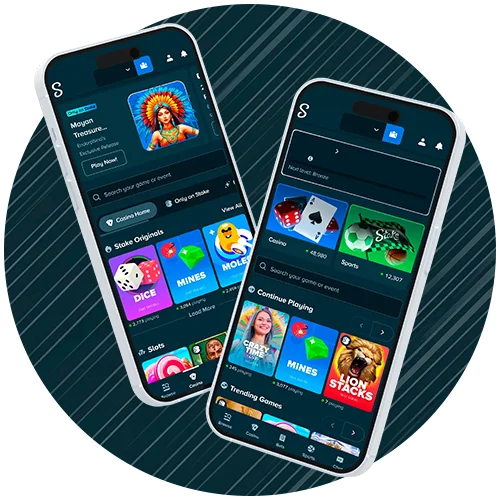
The mobile website is a useful starting point where access is permitted. Expand long market names and read the slip before confirming. A browser shortcut and a verified native app are different products; check the operator's installation information rather than assuming either is available.

Cryptocurrency payment illustration

Cashier and Crypto Checks

Use the wallet screen to confirm supported currencies, methods and limits. For crypto transfers, check the exact asset, network and destination tag if required. Cryptocurrency is not anonymous by default, and fees or confirmation delays can apply.

Sports Promotion Conditions

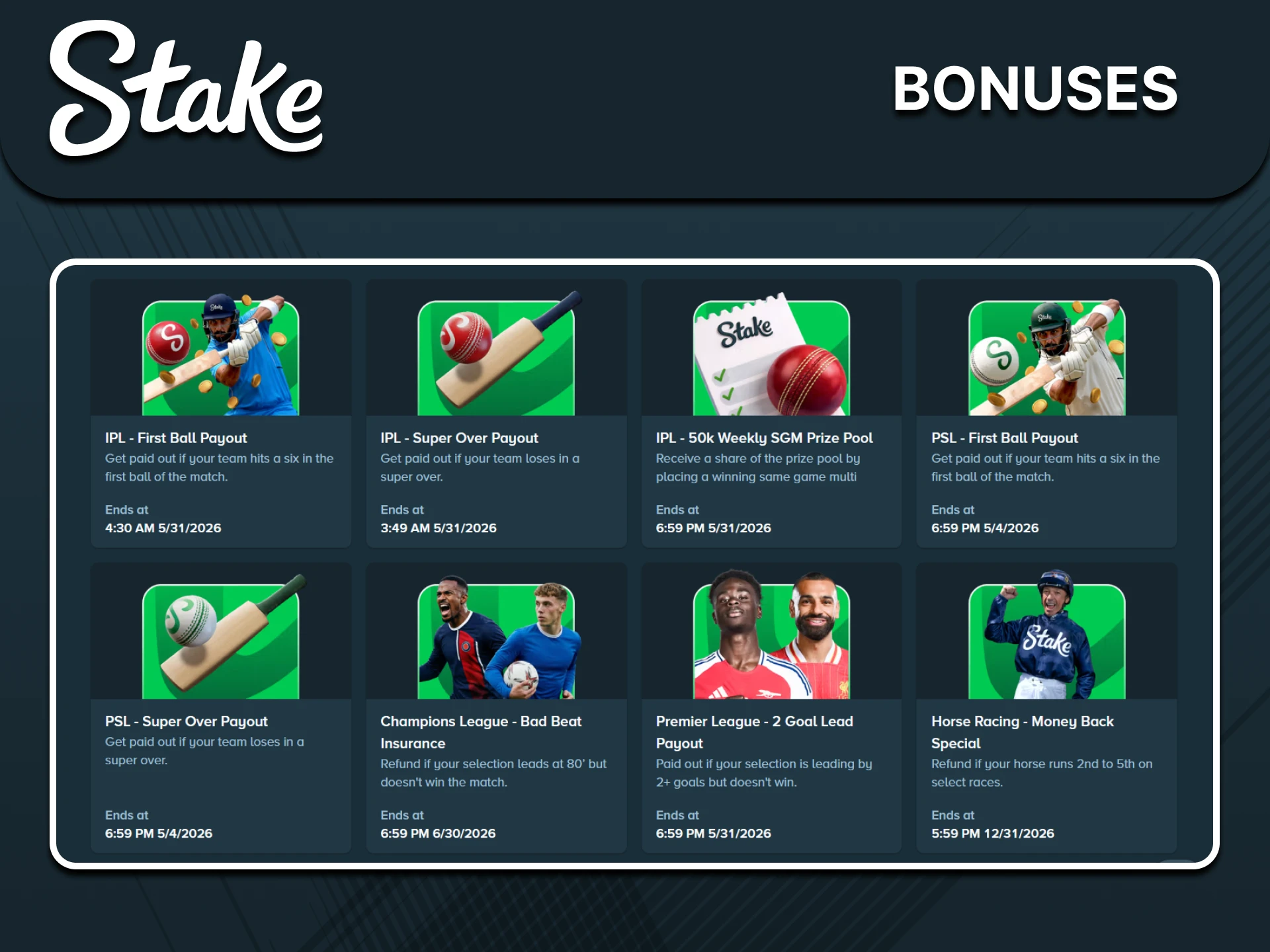
Compare the conditions of any offered promotion before taking part. Check sports eligibility separately from casino eligibility. Promotion formats can include the examples below, but availability and reward values must be confirmed in the active offer:

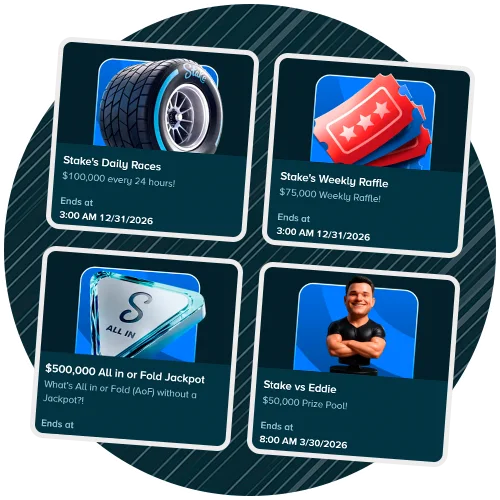
  • Raffles: Read which activity generates tickets, whether opt-in is required and how the draw works. A previously advertised prize pool is not a current guarantee.
  • Leaderboards: Check qualifying wagers, scoring periods, excluded markets and reward distribution. Spending more to climb a ranking can increase losses.
  • Accumulator protection: If offered, inspect the number of permitted losing selections, minimum legs, adjusted price and reward type. Protection is conditional, not a guarantee.
  • Combat-sport offers: A split-decision or other refund promotion applies only under its specific terms. Check eligible fights, stake caps and how any refund is credited.
  • Tennis offers: Read tournament scope, minimum odds, retirement rules and refund limits before assuming a losing selection qualifies.

Do not assume offers can be combined or used without limit. Save the relevant terms and keep your spending budget separate from any promotion requirement.

Stake sports promotion screen example

Read Your First Bet Slip

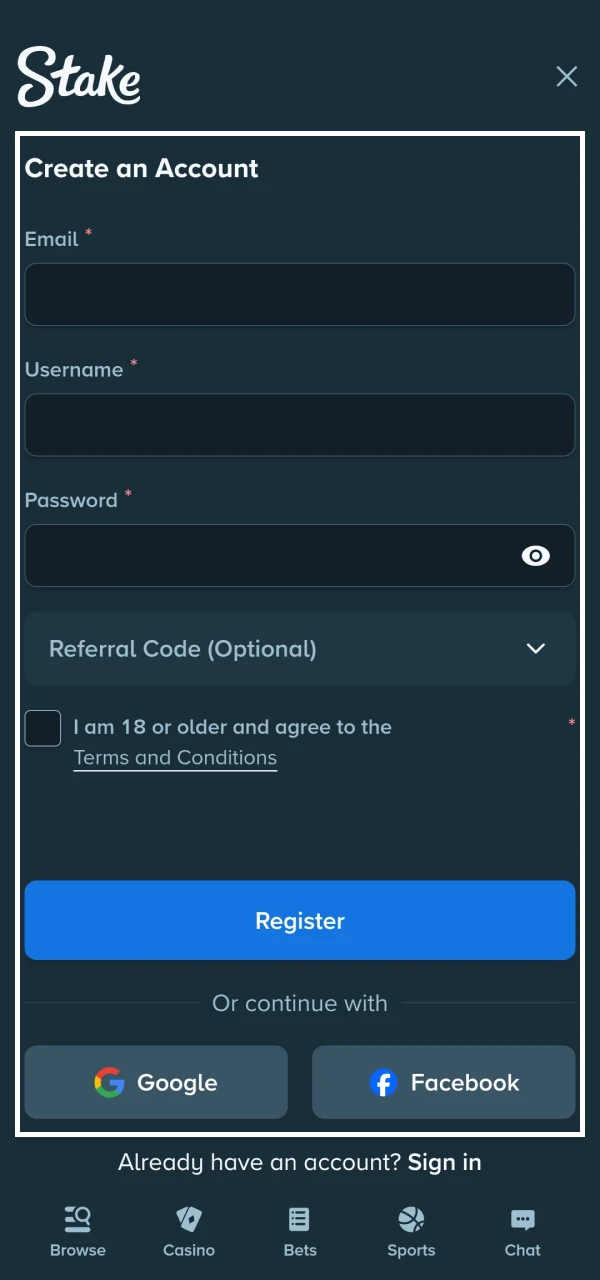
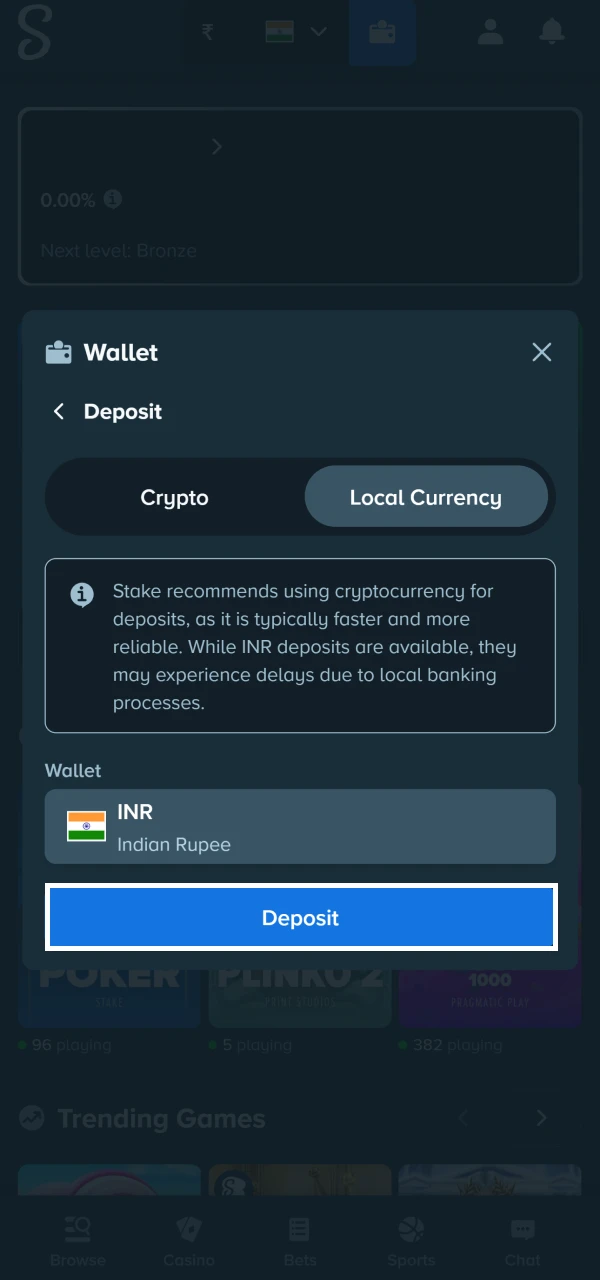
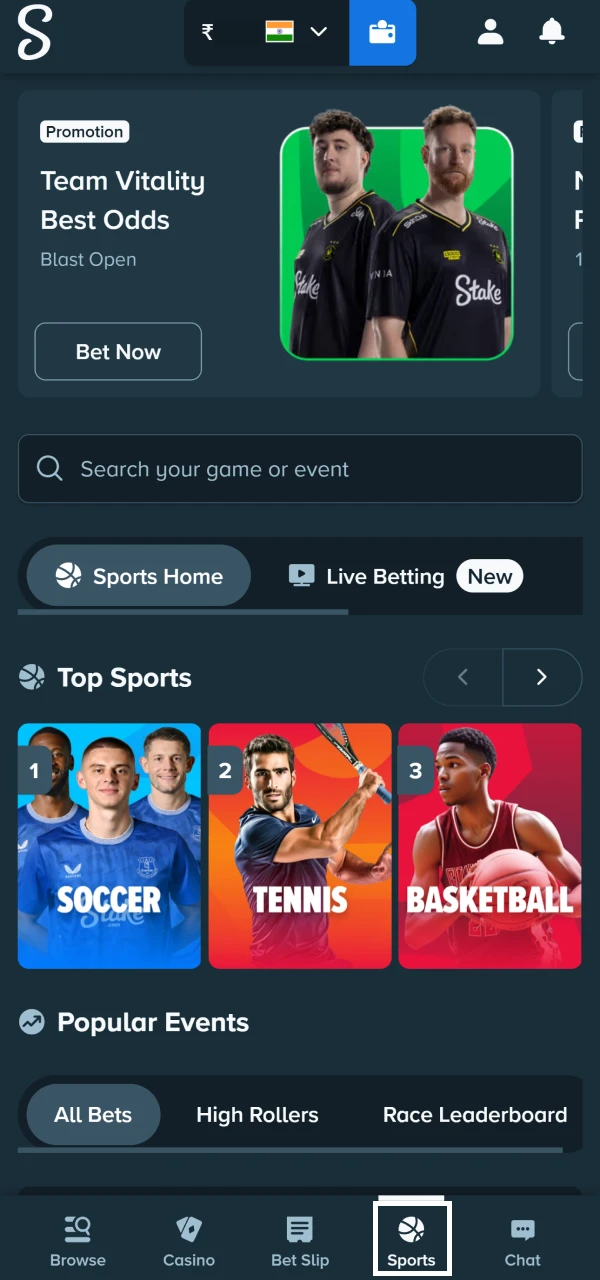
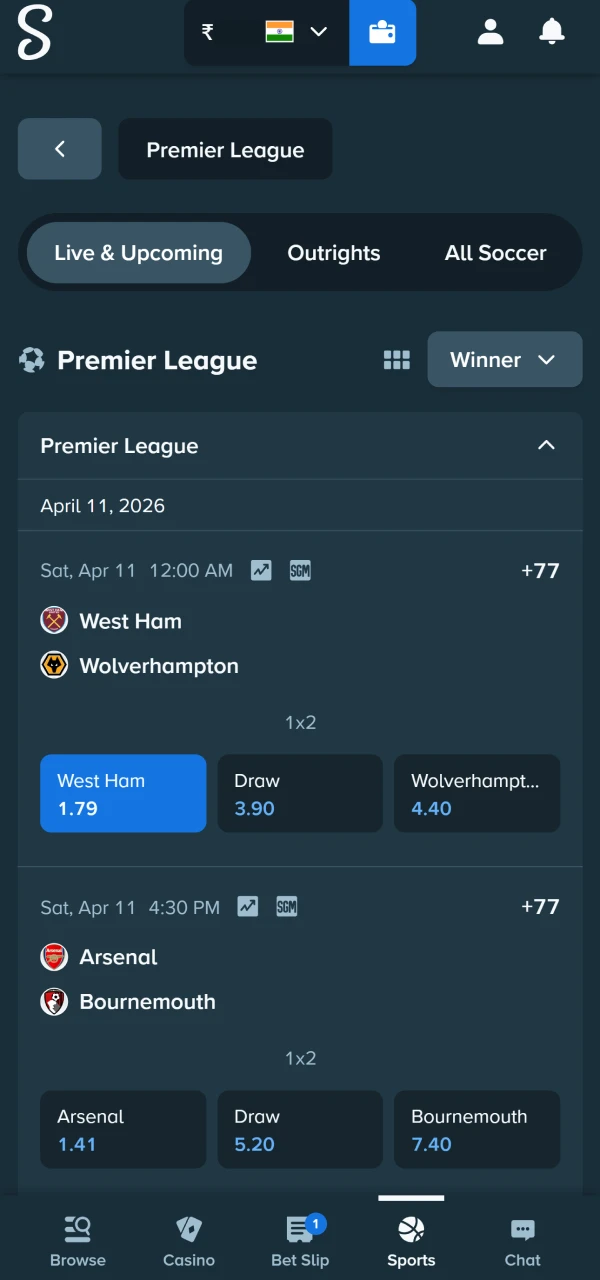
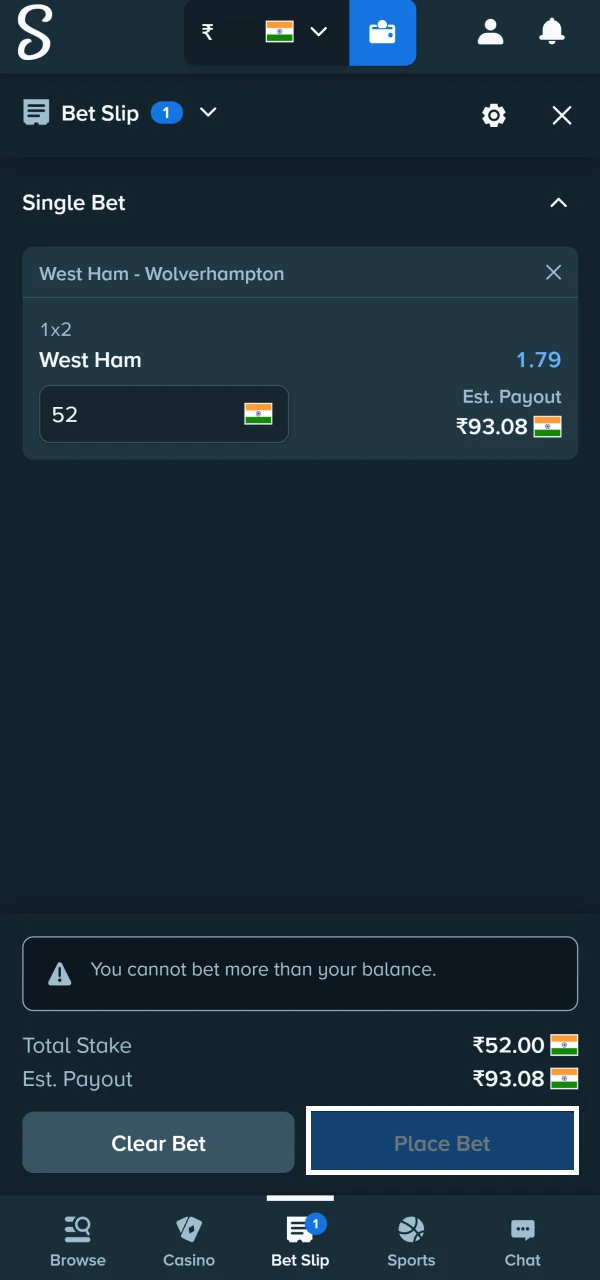
The process starts with eligibility and accurate account details. If permitted to proceed, inspect funding conditions, choose the exact event and market, then confirm the accepted price and receipt. A clicked price alone does not mean a bet has been placed.

1

Check Account Eligibility

Stake registration form screenshot
2

Review Wallet Limits

Stake deposit screen screenshot
3

Choose the Exact Event

Stake event selection screenshot
4

Read Market and Price

Stake sports bet slip screenshot
5

Save the Accepted Receipt

Stake bet confirmation screenshot

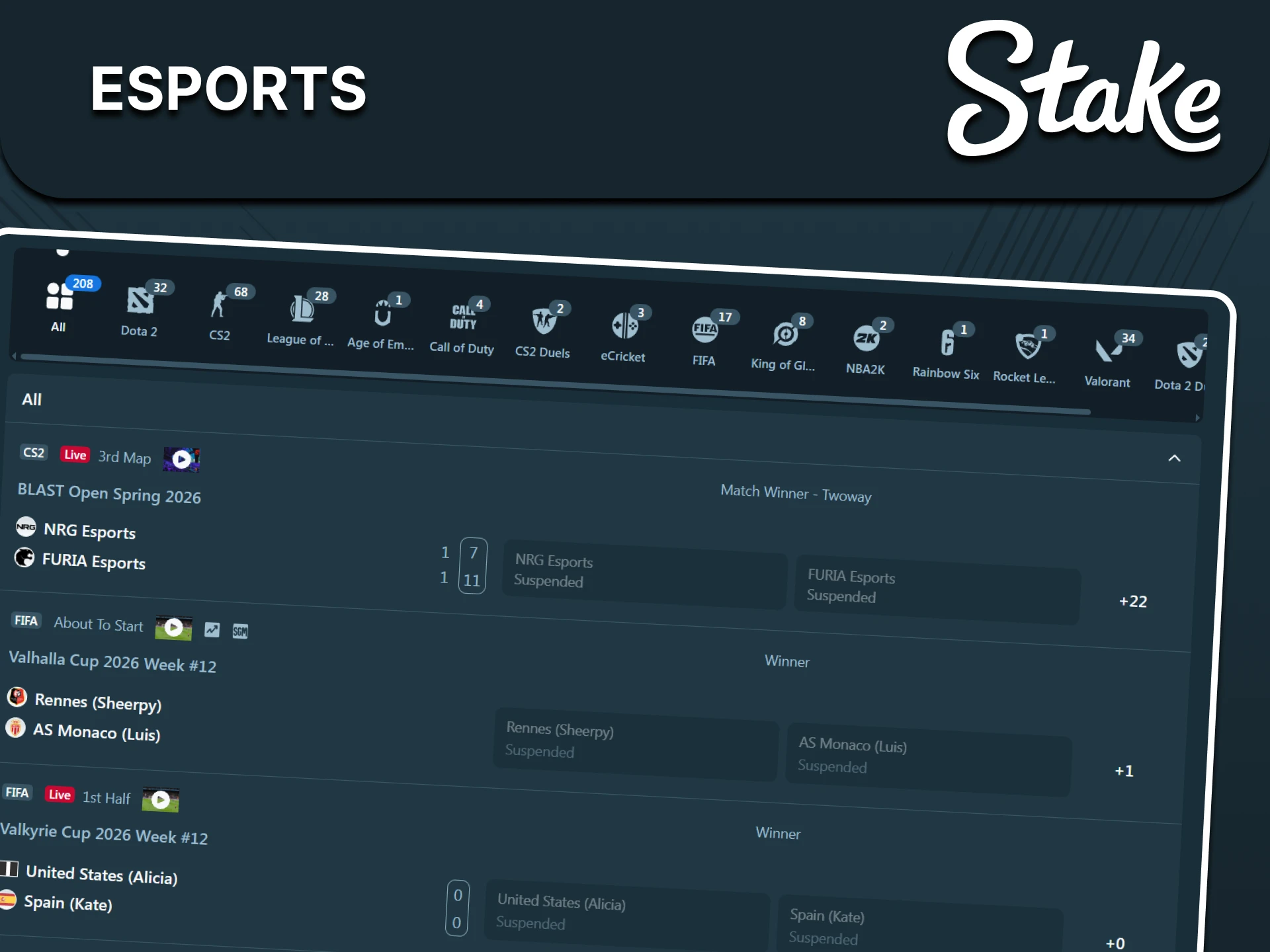
Understand Esports Markets

The sportsbook can also list competitive video gamesalongside traditional sports. Check the title, series format and organiser before treating a card as a professional fixture. Common game references include:

  • Dota 2: A team MOBA where drafts, map outcomes and objective statistics need separate analysis.
  • Counter-Strike 2: A round-based shooter; map vetoes, overtime and roster changes matter.
  • EA Sports FC: Football video-game events; distinguish organised professional competition from simulation feeds.
  • League of Legends: A team strategy title where patches, drafts and best-of formats change the context.
  • NBA 2K: Basketball video-game events whose duration and participant format require checking.
  • Rocket League: Vehicle-based team football organised in short games and multi-game series.
  • Valorant: An agent-based tactical shooter with round, map and whole-series selections.

Read title-specific rules before selecting. A match winner and a map winner are different outcomes; postponements, roster issues or interrupted games can affect settlement.

Esports category illustration

Mobile Sportsbook Access

Where access is permitted, a mobile browser lets you inspect sports markets without installing an unrelated app. Keep the device and browser updated. Verify the publisher and operator's instructions before downloading software, and check any account action in the history afterward.

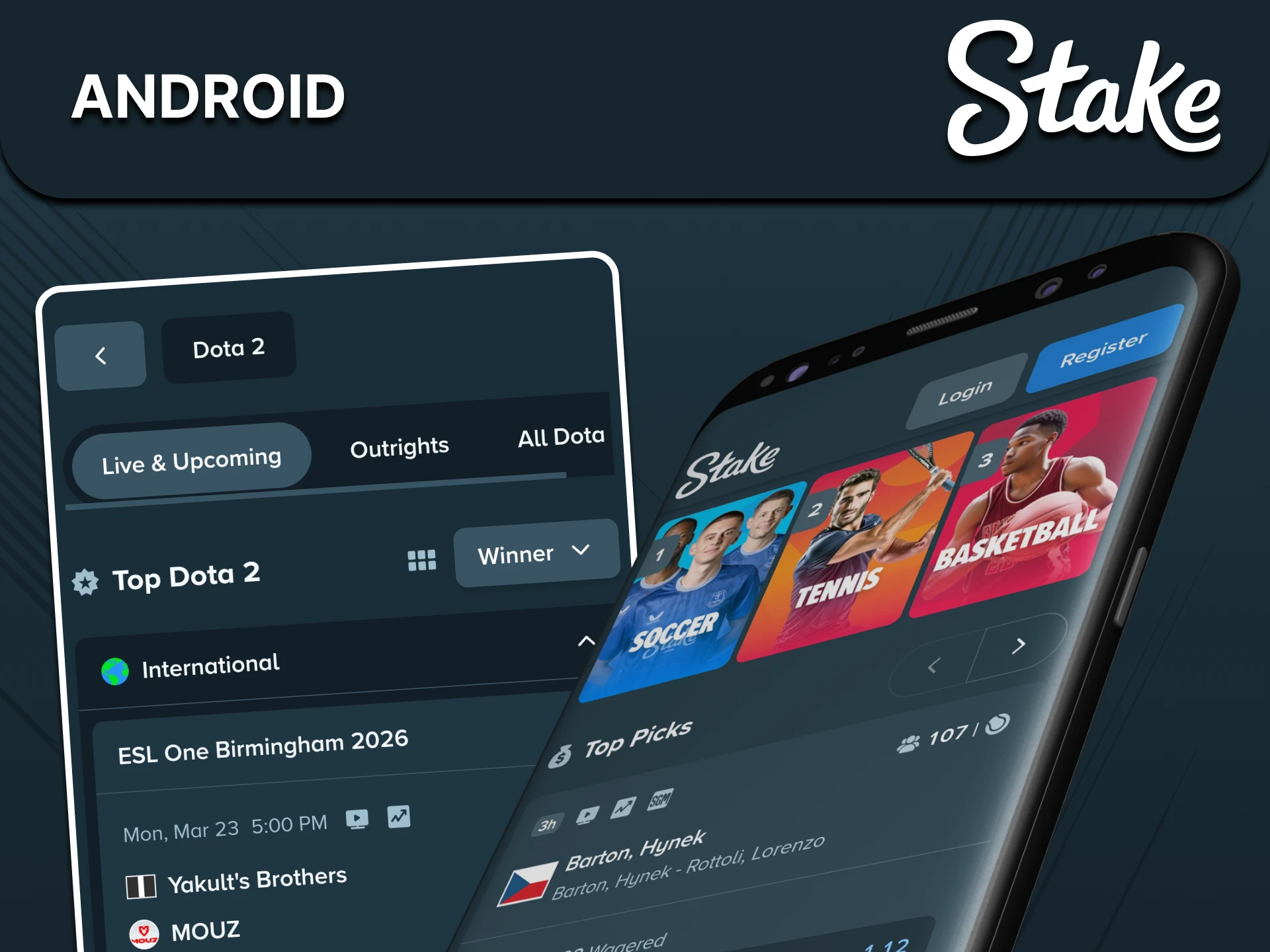
Android Browser Shortcut

For browser-based mobile access on Android, a supported browser may offer a home-screen shortcut. Menu names depend on your device and whether the site supports installation. The usual sequence is:

  1. Open the permitted operator website in an updated browser.
  2. Open the browser menu and review the available installation or shortcut option.
  3. If offered, choose Add to Home Screen and confirm the displayed address.

The icon opens the website or supported web app. It does not confirm a native Android app or eliminate location restrictions. Continue only through the recognised operator address.

Android mobile access illustration

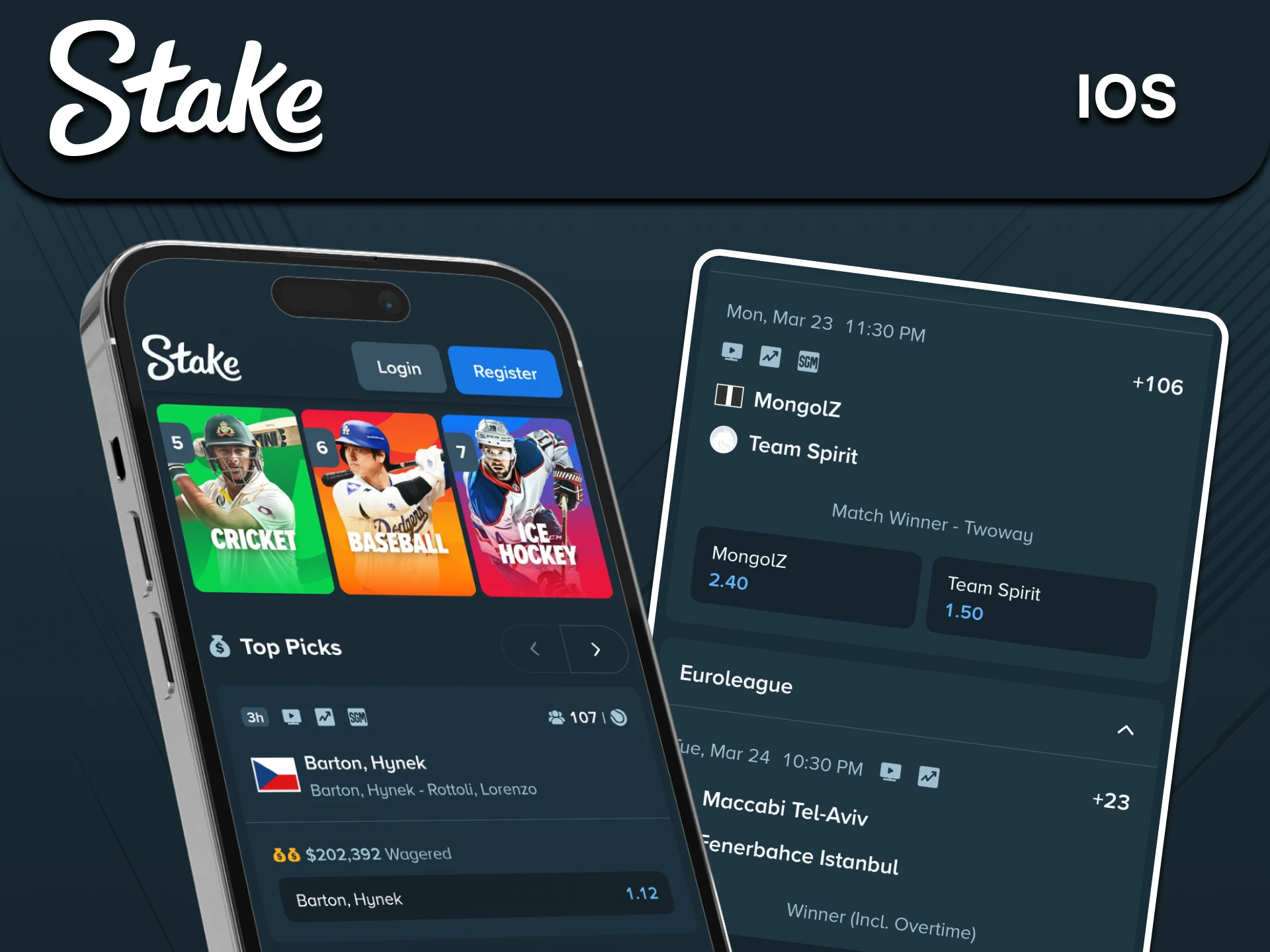
iPhone Browser Shortcut

A supported iPhone browser can add a website shortcut. This is separate from an App Store download and does not establish the availability of a native iOS app. A typical sequence is:

  1. Open the recognised operator website in Safari where access is permitted.
  2. Tap the browser's Share control.
  3. Look for Add to Home Screen in the available actions.
  4. Check the shortcut name and address, then confirm Add.

Launch the shortcut and check the domain before logging in. A shortcut is a convenience feature, not an alternative account or a way around access restrictions.

iPhone mobile access illustration

Wallet and Payment Checks

The cashier controls actual funding options for your account. The examples below explain what to check, not guaranteed availability or fixed minimum amounts:

  • Local payments: Verify whether UPI is actually shown, along with limits and account-name requirements.
  • Bank or payment providers: Check the provider's exact name, charges and supported currency.
  • USD Coin: Confirm the supported network and use the deposit address for that network.
  • Solana: Confirm the asset, address and any minimum crediting threshold.
  • XRP: Check whether a destination tag is required as well as the receiving address.
  • Litecoin: Check the displayed address and current transaction conditions.
  • Dogecoin: Confirm the required network confirmations and any minimum amount.

Minimums, fees and confirmation counts can change. Crypto transfers can be irreversible; never infer an unlimited deposit amount or a fixed INR equivalent from an old guide.

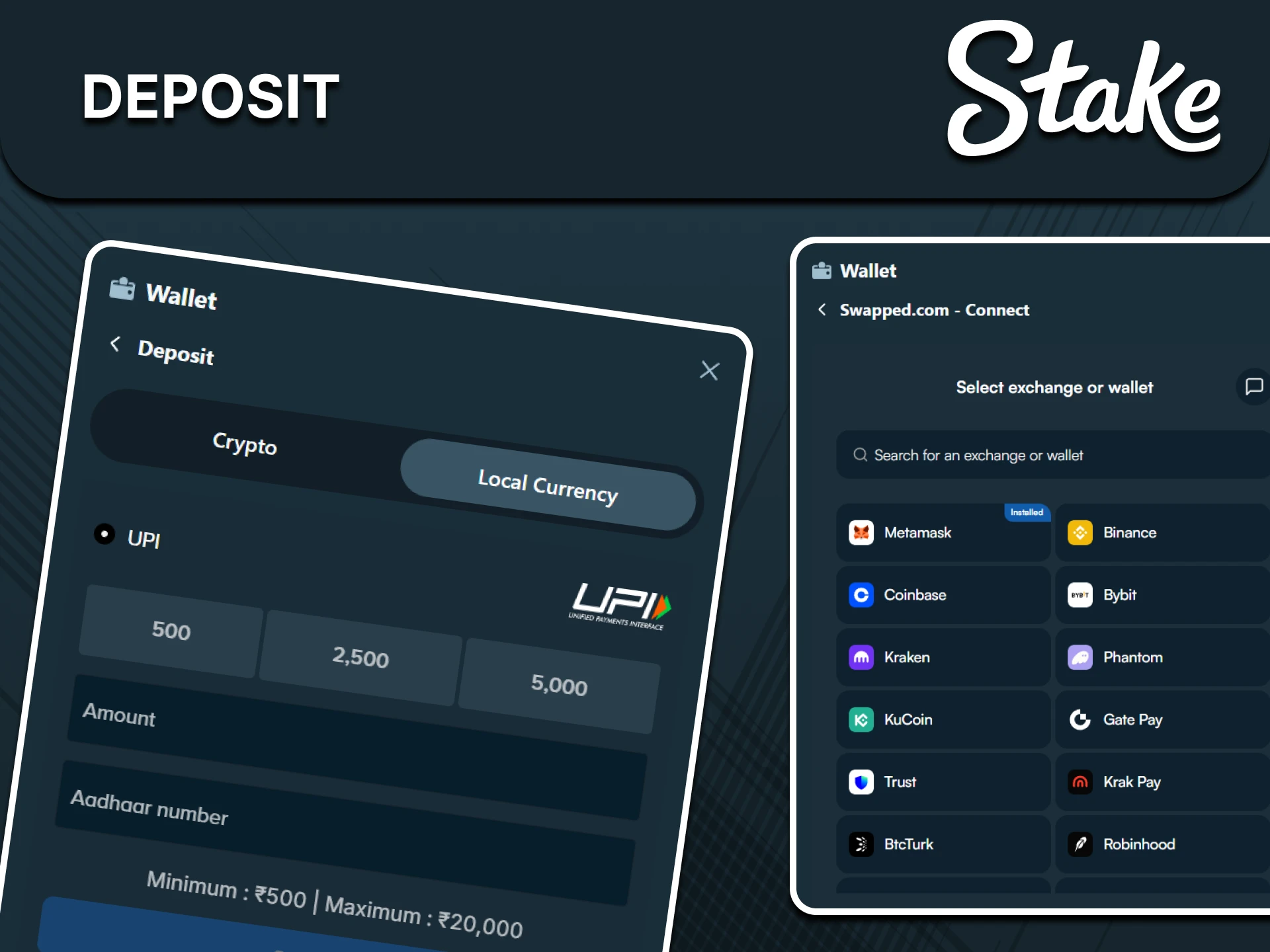
Review a Deposit

Check eligibility and outstanding verification requests first. If permitted to fund the account, use the actual wallet screen rather than payment details copied from a message or screenshot. The key checks are:

  1. Log in to your own account and open its wallet or cashier.
  2. Choose Deposit and read the available currencies and methods.
  3. Check the selected method's minimum, maximum and charges.
  4. Verify the destination details, asset, network and any required tag.
  5. Enter an amount within your budget and recheck the transfer summary.
  6. Keep the receipt or transaction hash and wait for the required crediting checks.

Crediting depends on the method, provider and network. If a payment is delayed, use its reference when contacting support rather than sending the same amount again.

Stake wallet deposit screen example

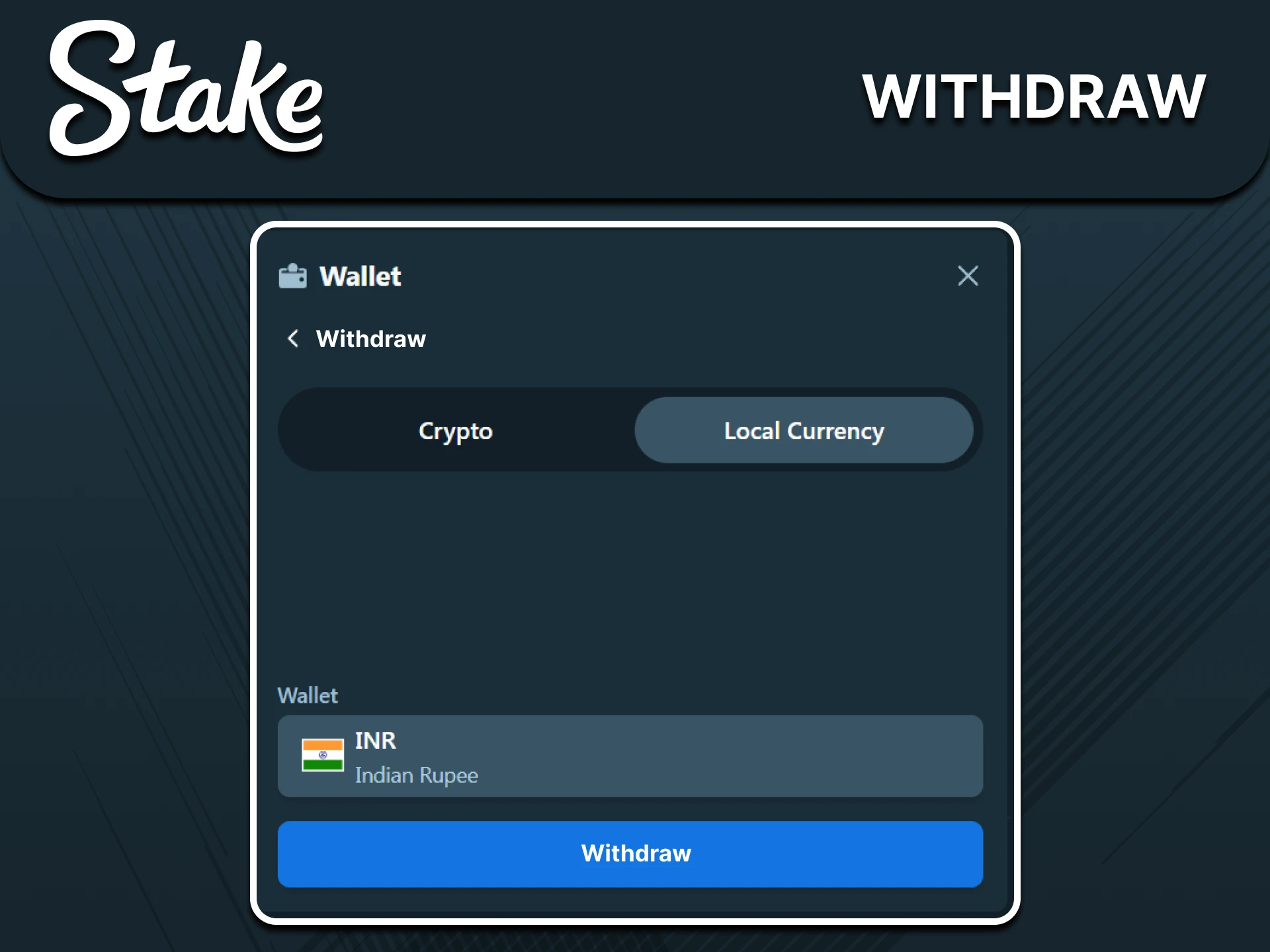
Review a Withdrawal

Inspect the available balance, verification status and any active promotion conditions. A displayed balance is not necessarily entirely withdrawable. Use the following checks before submitting a request:

  1. Open Withdrawal in the account wallet.
  2. Review the available method, currency, limits and charges.
  3. Check destination ownership, address, network and required tag.
  4. Confirm the request and save its status and reference number.

Processing depends on account checks, provider operations and network conditions. A fixed payout time should not be assumed. Contact support if the request exceeds the timeframe shown in your account.

Stake withdrawal screen example

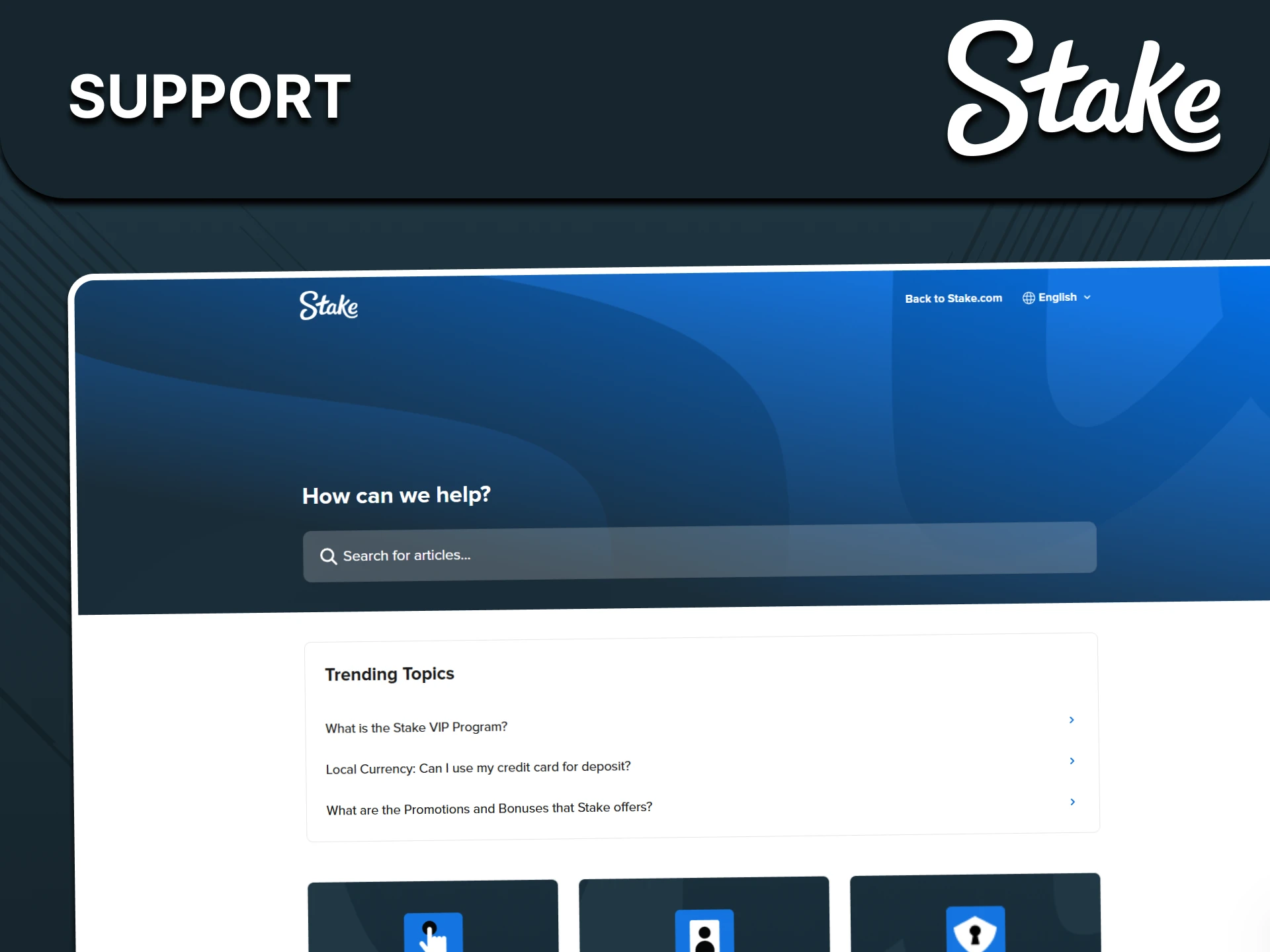
Ask About a Sports Ticket

For a settlement or account question, use the operator's support channelsshown in the actual account. Include the ticket ID, market name, accepted odds and event details. This makes a specific investigation possible; response times vary, and no immediate resolution is guaranteed.

Verify the current contact address through the operator before sending account information. General contact reference: [email protected].

Stake sportsbook support illustration

FAQ

Can verification affect sportsbook access?

Yes. The operator can request identity or residence checks and restrict service or withdrawals while they are unresolved. Use accurate details and submit documents only through recognised secure channels.

Where is the minimum sports stake shown?

Read the amount limits on the selected market's bet slip. They vary by currency and selection, and are separate from deposit minimums. Skip a selection if its minimum exceeds your budget.

How can I check esports coverage?

Open the current esports list and confirm the exact game, tournament and fixture. Archived cards and competition names are examples, not a guarantee of an active market.

Is cash-out available on every ticket?

No. It depends on the ticket, market and current conditions, and it may suspend or disappear. An offered amount can be below the original stake. Do not treat cash-out as guaranteed loss protection.

How do combined football selections differ from multis?

A bet builder combines permitted related conditions within an event, while a multi typically combines selections across events. Availability and combination restrictions depend on the slip; every accepted condition must be read before confirmation.

Personal Notes

Check this field.

Check this field.

Check this field.

This note stays on your device and is not sent to an operator.

Updated: